


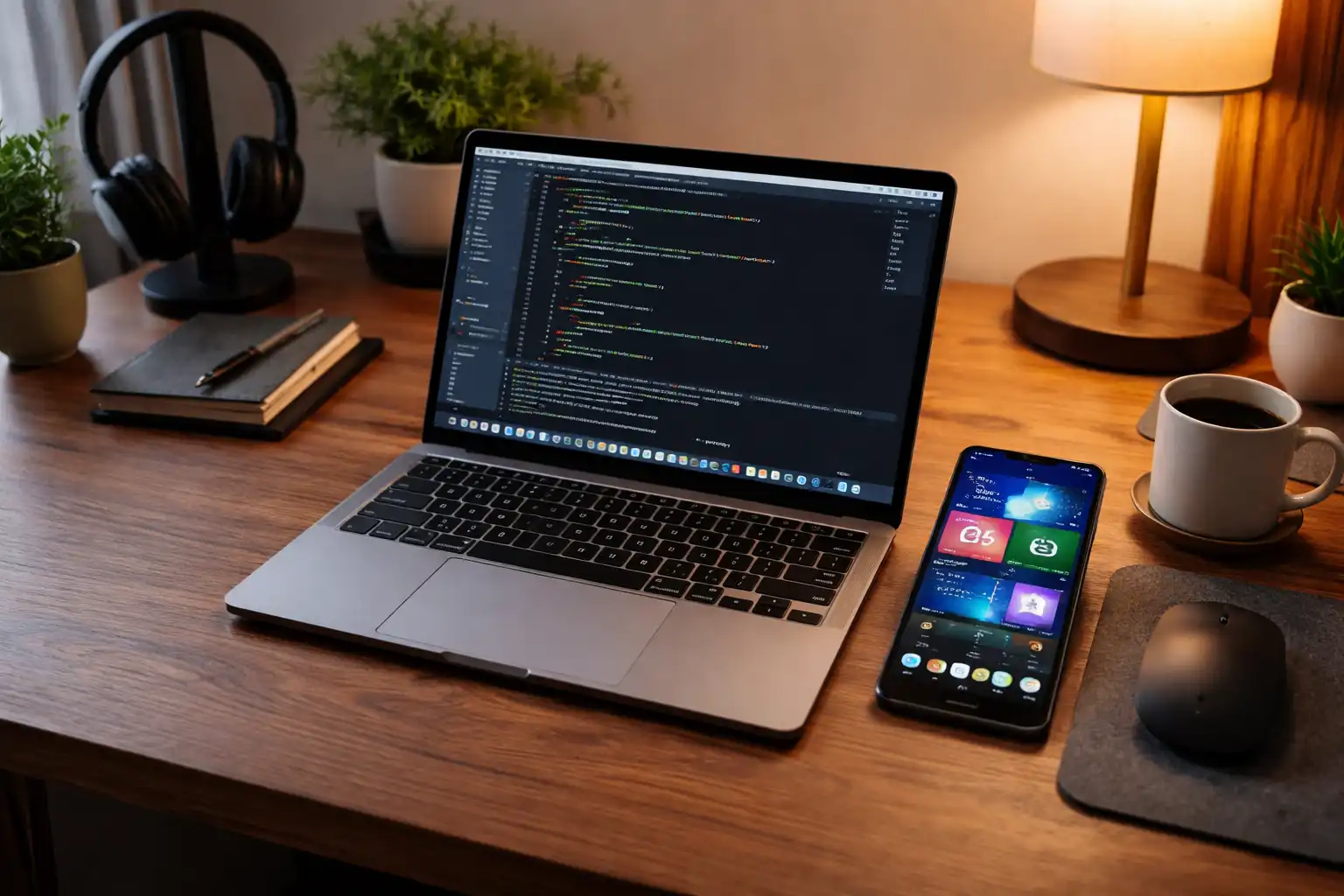
The Great Tech Debate That Never Ends
Walk into any electronics store today and the same conversation appears again and again. It might start quietly between two shoppers comparing laptops or it might explode into a heated discussion in an online technology forum. The question always sounds familiar. Apple or Windows. Android or iPhone. The debate has become part of modern digital culture.
People often speak about these choices as if they represent completely different worlds. Apple users sometimes treat their ecosystem like a carefully designed garden where everything works smoothly together. Windows users often emphasize flexibility and the massive range of hardware options available in the PC universe. Smartphone users join the discussion with their own strong opinions about Android or the iPhone.
The debate has lasted for decades because technology is deeply personal. Computers and phones are not just tools anymore. They are the devices we use to communicate, create, learn, and build businesses. The platform someone chooses can shape their daily workflow and even influence the way they think about technology.
For many people the answer becomes simple over time. They pick one ecosystem and stay inside it. Apple users often surround themselves with Mac computers, iPhones, iPads, and other Apple devices. Windows users remain loyal to the PC world they grew up using. Smartphone buyers frequently follow the same pattern and never switch once they become comfortable.
But there is another way to look at technology.
Instead of choosing one brand and building everything around it, some people prefer to select the best tool for each job. A computer may serve one purpose while a phone may serve another. The needs of a developer are different from the needs of a casual user. The needs of a creator are different from the needs of a business professional.
That is exactly how I approach technology.
When it comes to computers I prefer Apple hardware. When it comes to smartphones I choose Android devices. At first glance that combination may sound unusual to people who are used to living inside one ecosystem. Yet once the reasoning becomes clear the choice makes practical sense.
Technology should not be about loyalty to a logo. It should be about flexibility, capability, and control. Choosing tools based on what they actually allow you to accomplish is often the most powerful approach.
The Computer Question Apple or Windows
Image
Whenever someone starts searching for a computer the first comparison almost always appears immediately. Apple versus Windows. The discussion has been around since the earliest days of personal computing and it continues to influence the way people evaluate their options today.
Many shoppers approach the decision from a financial perspective. Windows computers exist across a wide range of prices and hardware configurations. Some machines are extremely affordable while others rival professional workstations in power. Apple computers tend to live in a narrower price range and are often seen as premium devices.
Other people frame the conversation around ease of use. Some argue that Apple computers provide a cleaner and simpler experience while others prefer the familiar environment of Windows.
Both arguments have valid points. However my personal decision has very little to do with price or brand image.
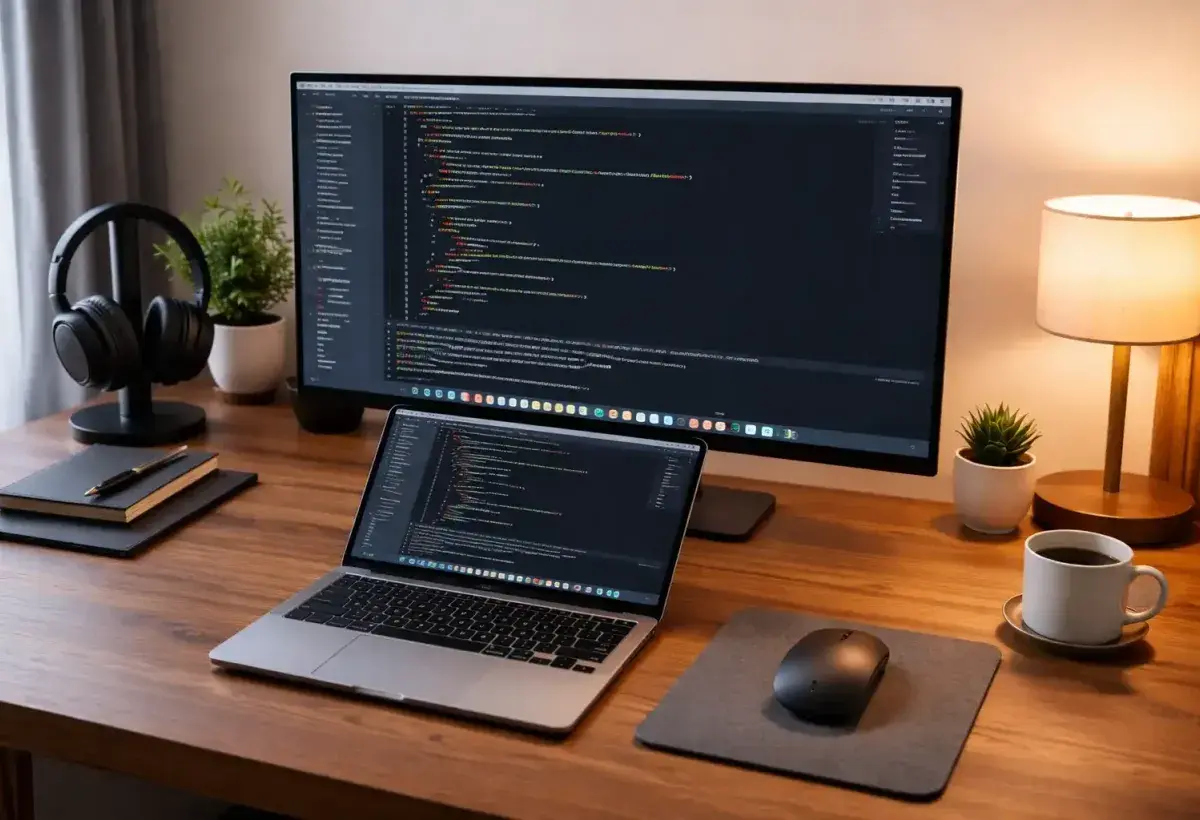
The real reason I prefer Apple computers comes from flexibility in development environments. A Mac provides the ability to run multiple operating systems smoothly on a single machine.
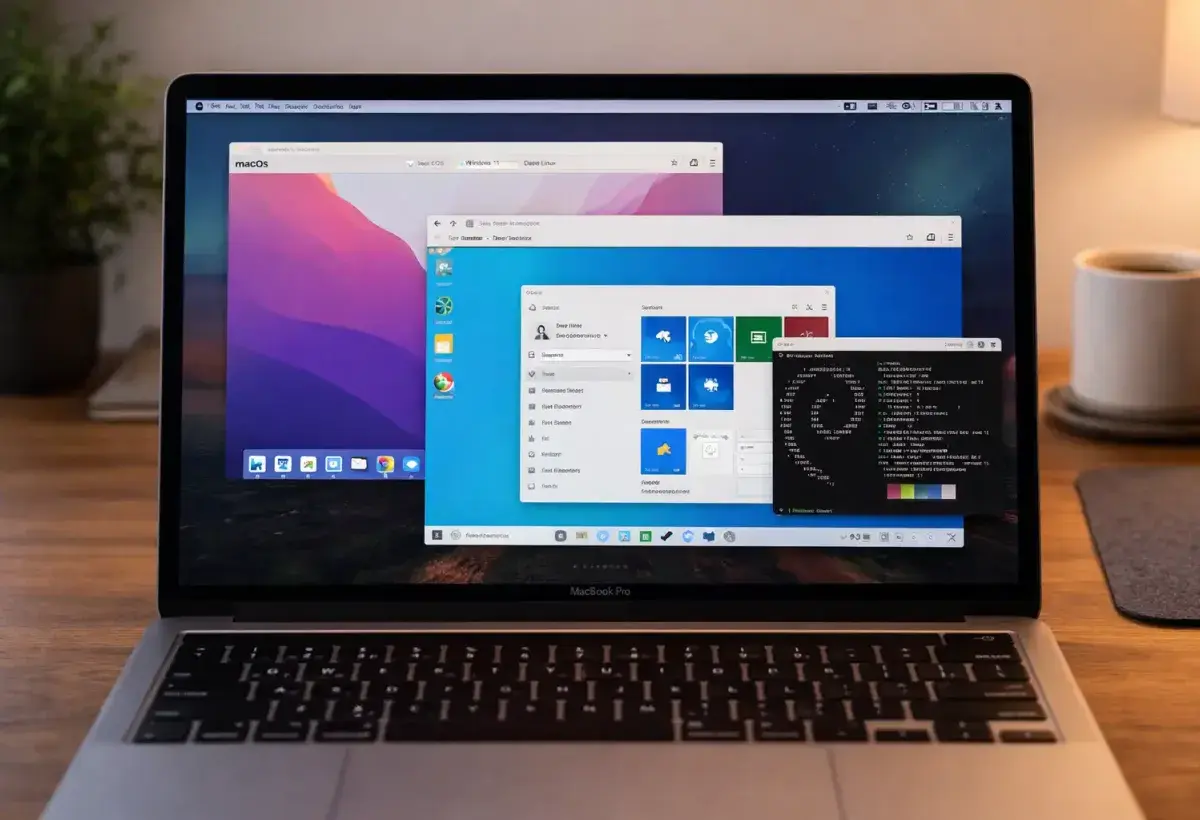
With a Mac I can work in MacOS as my primary system while also running Windows and Linux whenever necessary. This ability becomes extremely valuable when building software, managing servers, or testing applications across platforms.
MacOS itself is built on a Unix foundation. That architecture makes it extremely friendly for developers who rely on command line tools, scripting environments, and server style workflows. Linux shares many of the same foundations which allows tools and commands to translate naturally between systems.
Windows still plays an important role for compatibility testing and specific applications that only exist on the Microsoft platform. Through virtualization or dual boot configurations Windows can run on a Mac without major difficulty.
The result is a single machine capable of operating in multiple environments.
For someone building digital platforms, experimenting with new ideas, or managing different server systems, that flexibility becomes incredibly powerful. Instead of owning several machines for different tasks, one computer can handle them all.
In practical terms this means fewer barriers when switching between projects. The system adapts to the task rather than forcing the user to adapt to the machine.
The Virtualization Experiment
Image
At one point I wondered whether the opposite approach could work just as well. Instead of buying a Mac and running Windows on it, perhaps I could buy a powerful Windows computer and run MacOS virtually.
On paper the idea looked promising. The PC world offers nearly unlimited hardware choices. Custom systems can be built with powerful processors, large amounts of memory, and advanced graphics capabilities.
If MacOS could run smoothly on that hardware then it might provide the best of both worlds.
The reality turned out to be far more complicated.
Apple tightly integrates MacOS with its own hardware architecture. This integration allows the operating system to perform efficiently and remain stable across updates. When MacOS runs on non Apple hardware it often requires complicated workarounds.
These setups are sometimes referred to as Hackintosh systems or virtual Mac environments. They rely on modified drivers, patched boot loaders, and custom configurations that attempt to imitate Apple hardware.
While some enthusiasts manage to create functional systems, the process is rarely simple. Each operating system update introduces new risks that something might break. Troubleshooting becomes a regular task rather than an occasional inconvenience.
Performance also becomes unpredictable. Even powerful machines can struggle to deliver the same smooth experience that native Apple hardware provides.
After spending time experimenting with these setups I reached a clear conclusion. The amount of time spent maintaining the environment often exceeds the cost difference between a custom PC and a Mac.
In other words the effort required to force MacOS onto Windows hardware often defeats the original purpose of saving money or gaining flexibility.
Sometimes the most efficient solution is simply using the platform that was designed for the operating system in the first place.
Stability Matters More Than Brand Loyalty
Image
Another major factor that influences the computer decision is stability. Professionals who rely on their machines every day quickly learn that reliability can be more important than raw performance numbers.
Apple designs both the hardware and the operating system for its computers. This close integration allows the company to optimize drivers, power management, and system behavior in ways that are difficult for a more fragmented ecosystem to match.
Because the hardware lineup is relatively small Apple engineers can test updates across the entire product range more easily. When a new version of MacOS appears it has usually been evaluated with the exact hardware configurations that users will run.
Drivers tend to behave consistently. Peripheral devices integrate more smoothly. Updates generally introduce fewer surprises.
For developers, designers, and digital creators this stability saves enormous amounts of time. Instead of spending hours diagnosing driver conflicts or hardware compatibility issues the user can focus on building products and completing projects.
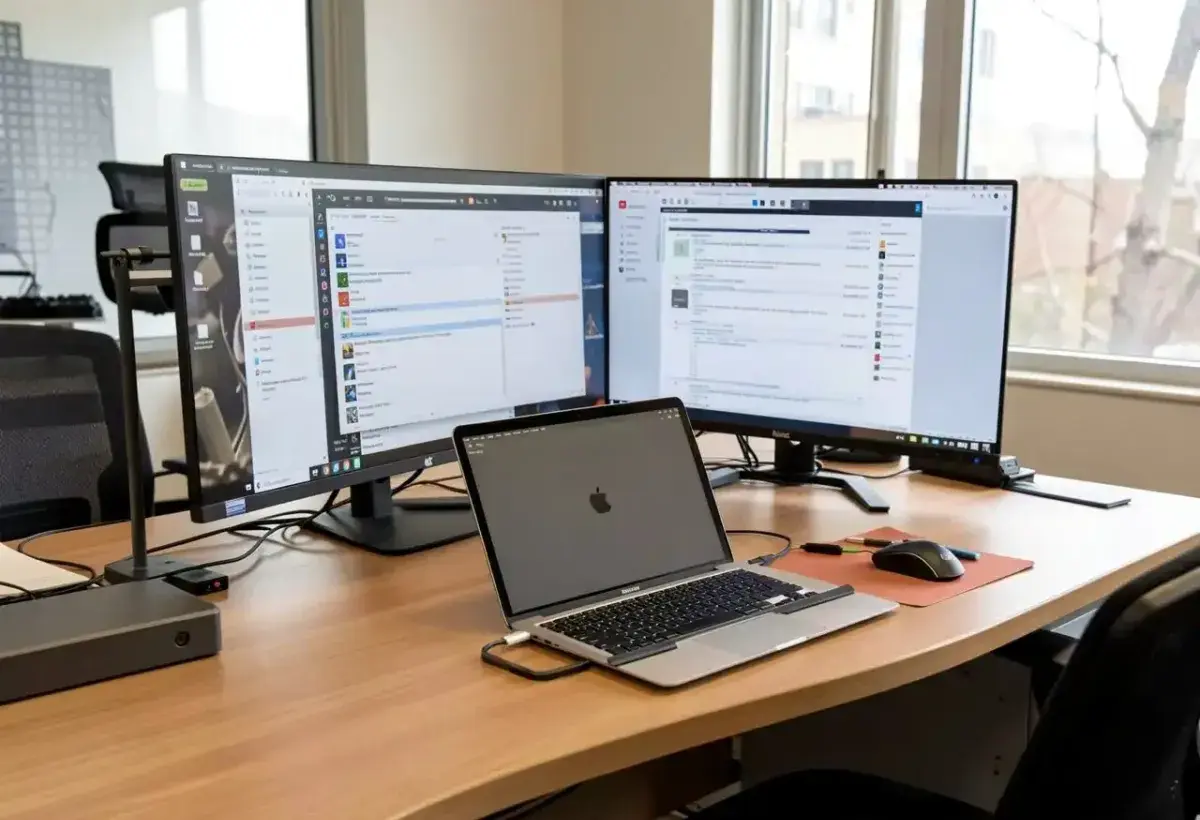
Windows computers can absolutely be reliable as well. Many manufacturers produce excellent machines. The challenge comes from the enormous diversity of hardware combinations in the PC world.
Different motherboards, graphics cards, storage controllers, and peripheral devices can interact in unexpected ways. When something goes wrong troubleshooting may involve several layers of hardware and software.
Mac computers remove much of that uncertainty.
When your computer is the primary tool you depend on every day, predictable behavior becomes incredibly valuable. Stability allows work to move forward without constant interruptions.
The Smartphone Debate Android or iPhone
Image
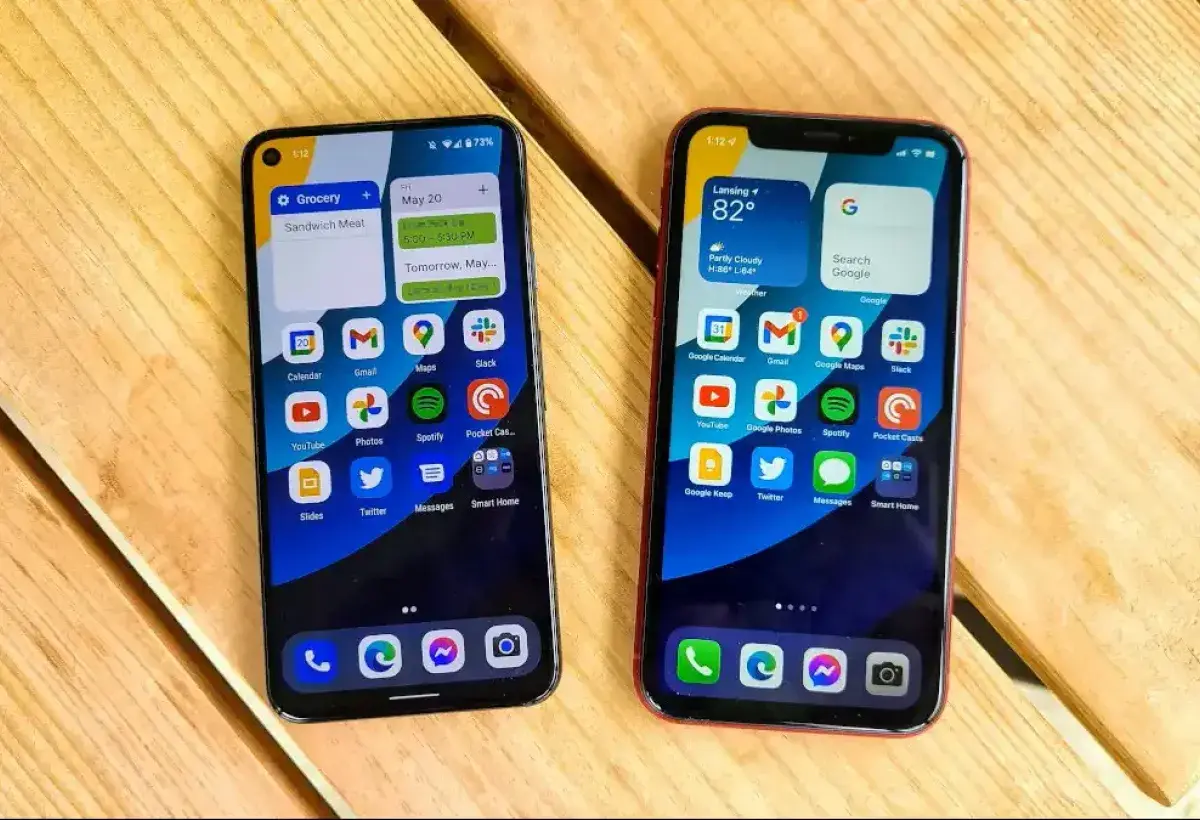
Interestingly my preference changes completely when the conversation moves from computers to smartphones.
Many Mac users naturally gravitate toward the iPhone because of the tight integration within the Apple ecosystem. Messages synchronize across devices. Photos move effortlessly between phone and laptop. Applications often share the same design language.
Despite those advantages I continue to prefer Android phones.
The reason once again revolves around flexibility.
Android operates as a far more open platform than the iPhone. The operating system allows users to modify and personalize the interface in ways that Apple simply does not permit.
Home screens can be redesigned with custom launchers. Widgets can display information directly on the screen. Icon packs can transform the entire visual style of the device.
Beyond visual customization Android also offers deeper control over system behavior. Users can install applications from alternative sources, experiment with automation tools, and modify system settings that remain hidden on many other platforms.
For someone who enjoys shaping technology to fit specific workflows this openness becomes extremely appealing.
Instead of adapting my habits to match the limitations of the phone, I can adjust the phone to match the way I work.
Over time that freedom becomes difficult to give up.
The Power of Personalization
Image
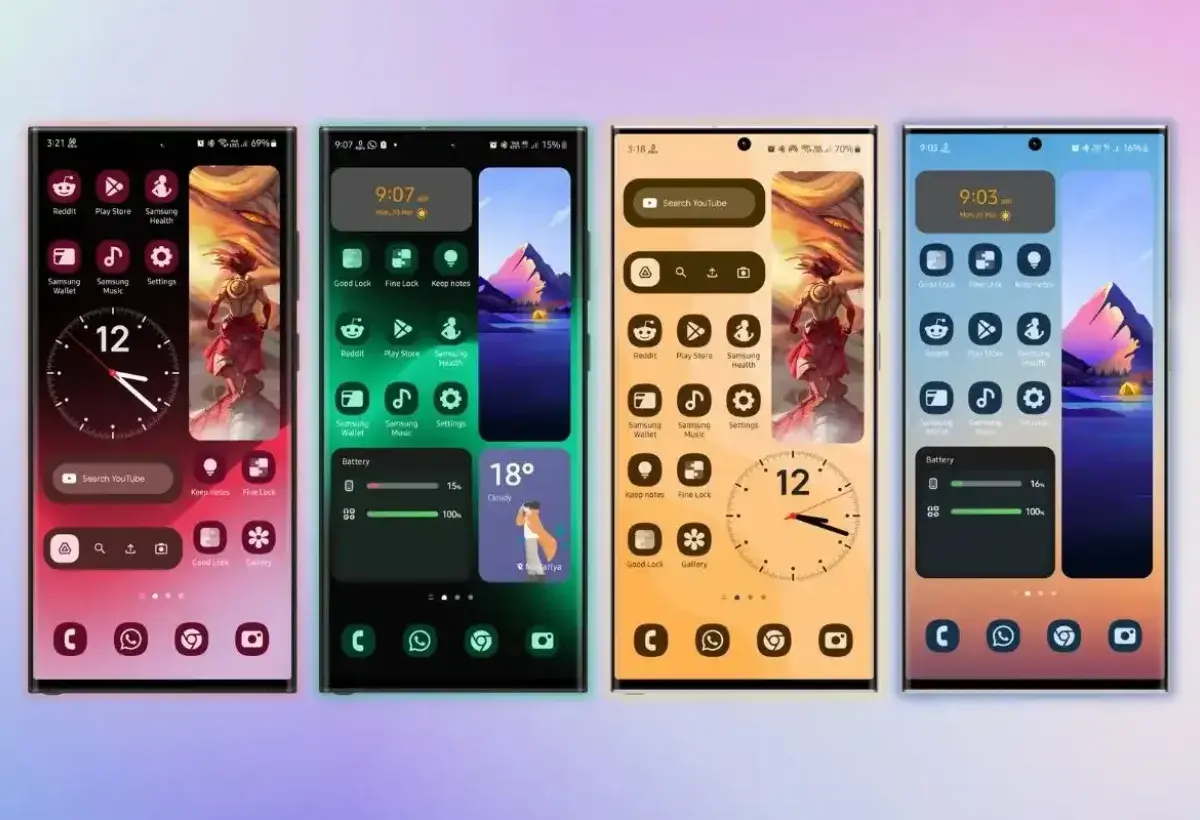
Smartphones have evolved into the central hub of modern life. They handle communication, navigation, banking, scheduling, photography, entertainment, and an endless list of everyday tasks.
Because the phone plays such a large role in daily routines the ability to personalize the experience becomes incredibly valuable.
Android excels in this area.
Two people can own the exact same phone model and end up with completely different interfaces. One person might design a minimal layout focused on productivity. Another might build a dynamic environment filled with widgets that show weather updates, news headlines, calendar events, and system statistics.
Launchers provide the foundation for these transformations. They control how applications appear and how the home screen behaves. Changing a launcher can completely redefine the feel of the device.
Icon packs introduce visual identity while widgets deliver live information without opening apps. Automation tools allow the phone to perform actions based on location, time, or user behavior.
Even deeper layers of customization exist through developer settings and advanced applications that adjust performance and system controls.
The result is a phone that feels uniquely personal.
Instead of simply using a device designed by a company, the user actively shapes the environment around their own needs and preferences.
The Closed Garden of the iPhone
Image
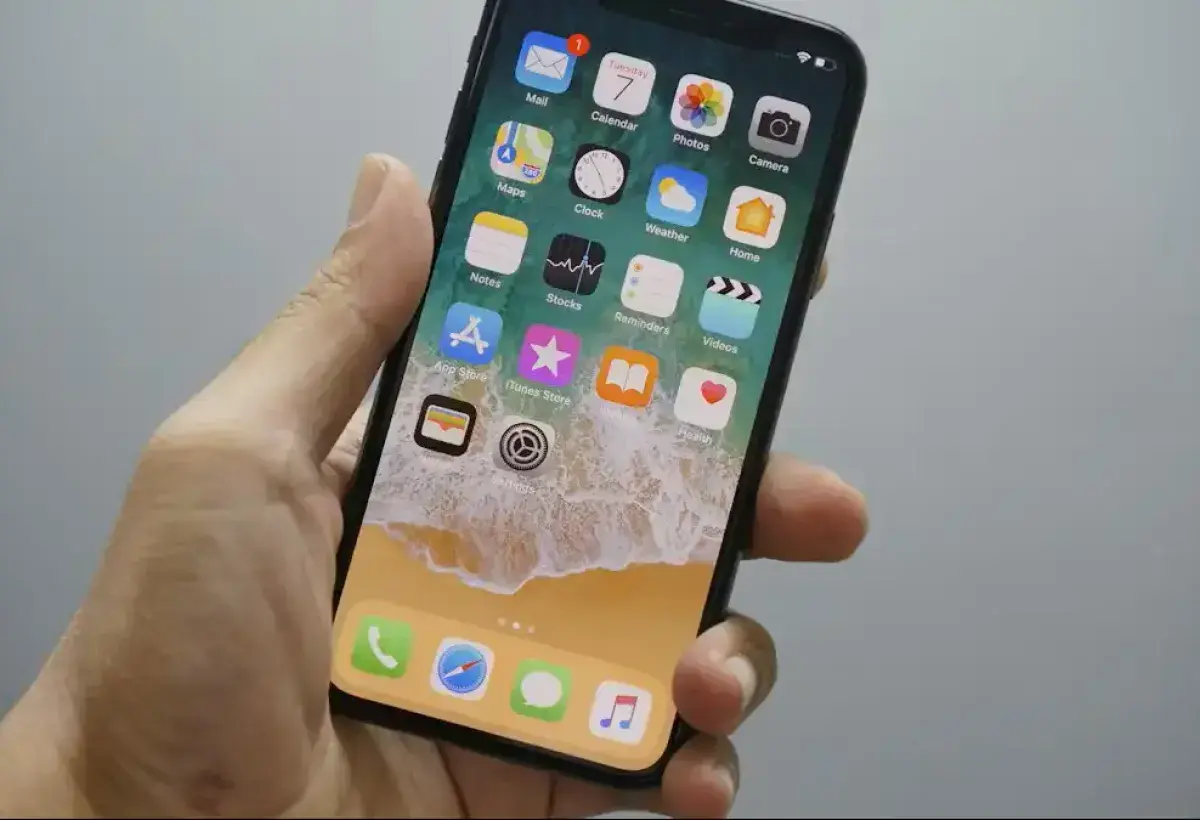
The iPhone represents a very different philosophy about how technology should function.
Apple carefully controls the environment surrounding its mobile operating system. Applications must pass through a strict review process before appearing in the official store. System level modifications remain tightly restricted.
This controlled environment often produces a polished and predictable user experience. Apple focuses heavily on simplicity and consistency. The interface behaves in familiar ways across devices and updates tend to maintain the same design language.
For many users this approach is extremely appealing. The phone works the same way every day. Security protections limit the chances of malicious software appearing on the device. Applications follow consistent guidelines that make the interface easy to understand.
However the same control that creates simplicity can also reduce flexibility.
System level customization remains limited compared to Android. Alternative application sources are restricted. Deep modifications to the interface require workarounds that most users never attempt.
For individuals who enjoy experimenting with technology this structure can feel somewhat confining.
The iPhone excels at delivering a refined and reliable experience. Yet it does so by prioritizing consistency over freedom.
Two Different Philosophies
Image
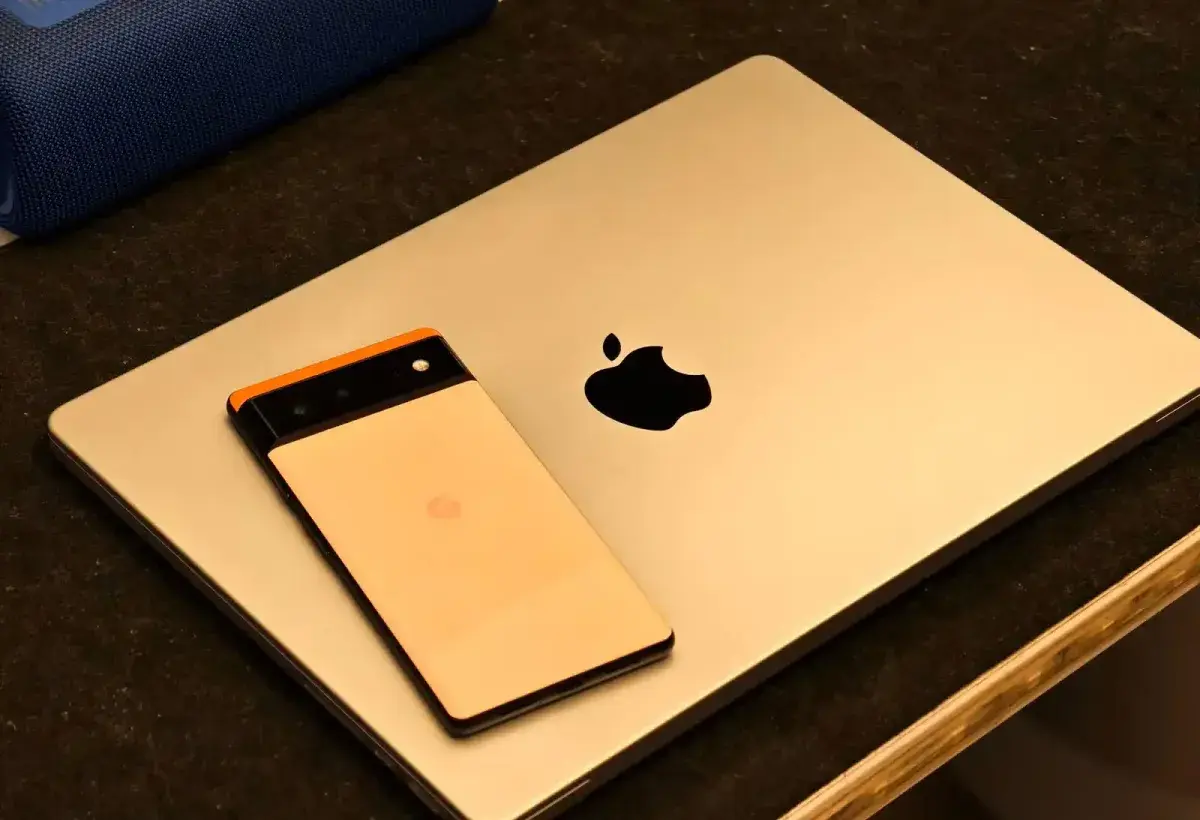
When comparing Apple computers with Android phones it becomes clear that two very different philosophies are shaping these platforms.
Apple places enormous emphasis on integration. The company designs the hardware, operating systems, and services together in order to create a tightly connected environment.
This strategy allows Apple to deliver smooth performance and a unified experience across devices. Every element of the ecosystem is designed with the others in mind.
Android follows a different path. The platform focuses on openness and adaptability. Manufacturers can customize the system. Developers can explore deeper system features. Users can modify their devices extensively.
Neither philosophy is universally superior.
Each one serves a different type of user.
Some people prefer a carefully curated environment that emphasizes simplicity and consistency. Others value the ability to experiment and reshape their devices to fit their needs.
My own preferences simply reflect the way I interact with technology.
The stability of Apple computers supports my development work while the openness of Android allows my phone to remain a flexible tool.
Breaking the Ecosystem Myth
Image
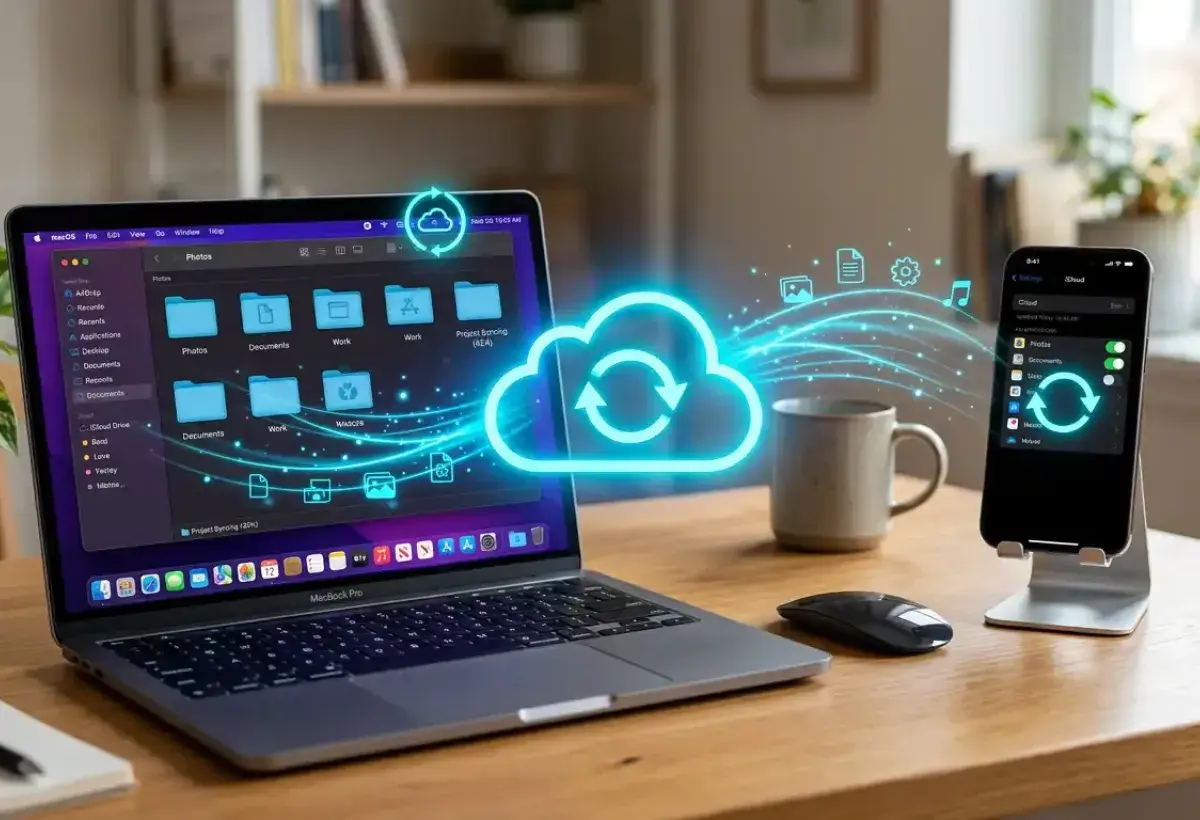
Modern marketing often promotes the idea that every device in a person’s life should belong to the same ecosystem.
Advertisements frequently show seamless interactions between laptops, tablets, phones, and watches all produced by the same company. The message suggests that mixing devices from different brands creates unnecessary complications.
In reality technology has become far more flexible.
Cloud services allow files to synchronize across operating systems. Web applications function inside browsers regardless of the underlying platform. Communication tools operate across phones, tablets, and computers.
Email accounts remain accessible from nearly any device. Browsers synchronize bookmarks and history between platforms. Storage services make files available anywhere with an internet connection.
Because of these developments users no longer need to remain inside a single ecosystem to maintain productivity.
A Mac computer can work perfectly alongside an Android phone. Documents can move through cloud storage. Messages can be handled through web based platforms.
The idea that technology must exist within one brand environment often reflects marketing strategies more than practical reality.
Real world workflows tend to be far more adaptable.
Choosing Technology Based on Purpose
Image
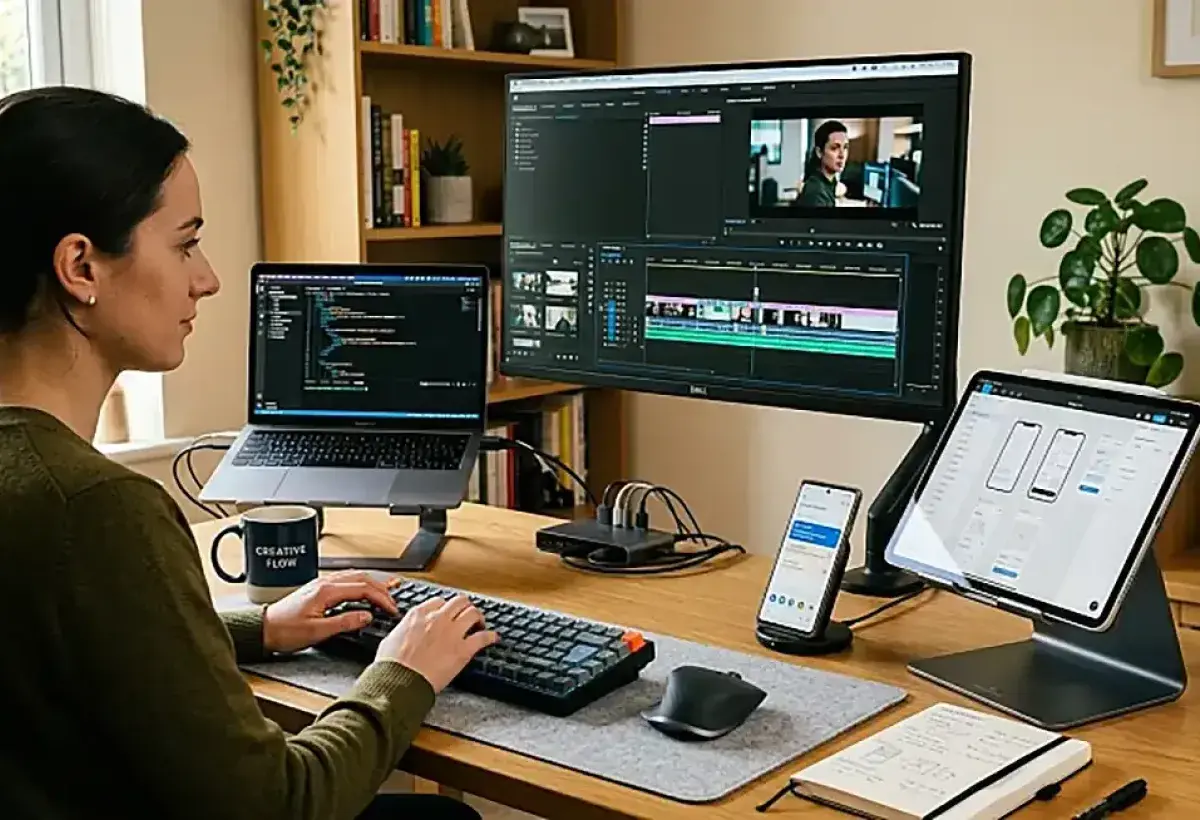
When technology decisions are viewed through a practical lens the most important question becomes very simple.
What problem are you trying to solve?
If the goal involves building software across multiple operating systems then a Mac computer may offer significant advantages. Its Unix based environment aligns naturally with many development tools while virtualization allows access to Windows and Linux.
If the goal involves deep customization of a mobile device then Android provides a level of control that few other platforms match.
Each tool excels in a different role.
Instead of searching for a single ecosystem that attempts to solve every problem, it can be more effective to assemble a toolkit where each device serves a clear purpose.
This mindset shifts the focus away from brand loyalty and toward practical capability.
Technology becomes a collection of instruments designed to support creativity, productivity, and experimentation.
The Real Lesson in the Apple vs Android Debate
Image

The debates surrounding Apple versus Windows and Android versus iPhone will likely continue for many years.
Technology enthusiasts enjoy discussing performance benchmarks, design philosophies, and ecosystem advantages. Online communities often defend their favorite platforms with remarkable enthusiasm.
Yet the most important lesson hidden within these discussions is surprisingly simple.
Technology is ultimately about enabling people to create, communicate, and build new ideas. The tools themselves matter less than what users accomplish with them.
For some individuals the best solution is committing fully to one ecosystem. For others the ideal setup involves mixing devices that complement each other.
In my own case the combination of Apple computers and Android smartphones creates a balanced environment.
The Mac provides a stable foundation for development and experimentation across multiple operating systems. The Android phone offers the freedom to customize the mobile experience in ways that support daily workflows.
Together they create a flexible technology environment that adapts to different tasks rather than forcing every task into the same structure.
Choosing technology wisely often means stepping back from brand loyalty and asking a more meaningful question.
Which tools actually help you do your best work.
When that question guides the decision making process the answer often becomes surprisingly clear.